
MOVANS and VINELink in Missouri
Missouri's alert network, MOVANS, the Missouri Victim Automated Notification System, sends notices about jail custody, Department of Corrections custody, court events, and protective orders. VINELink is the older national front door. It still handles state selection and custody lookups. For local jails, registration now lives elsewhere. The current MOVANS portal controls Missouri jail notifications, so accounts get created there. Coverage has limits. No official word promises that every Christian County Detention Center booking appears in MOVANS. Use the sheriff's roster for county custody. It is not a blotter, court database, or federal locator.
Check One Person’s Custody Status
Bring solid identifying details before searching. A date of birth separates people who share a name. Missouri's older VINE guide walked through name and birthdate searches, and its result screens still offer useful clues, though today's portal may look different.
- Open VINELink and choose Missouri, or go to the current MOVANS portal for the state’s active route.
- Select the relevant custody search and look for Christian County or the person’s available record. Enter the full name and permitted identifying details such as date of birth.
- Review possible matches rather than assuming the first name match is correct. Compare age or birth information, reporting agency, location, and any displayed offender identifier.
- Open the matching result and note the custody status, facility or reporting agency, and status-change information. Do not assume an optional photo will appear.
- If no result appears, check the official Christian County current roster, then call jail operations at (417) 582-1976 if public confirmation is needed.
- For the underlying booking report, use the Christian County arrest-record guide and the sheriff’s records-request path. VINELink does not supply the complete agency report.
The VINELink search screen is the national starting point.
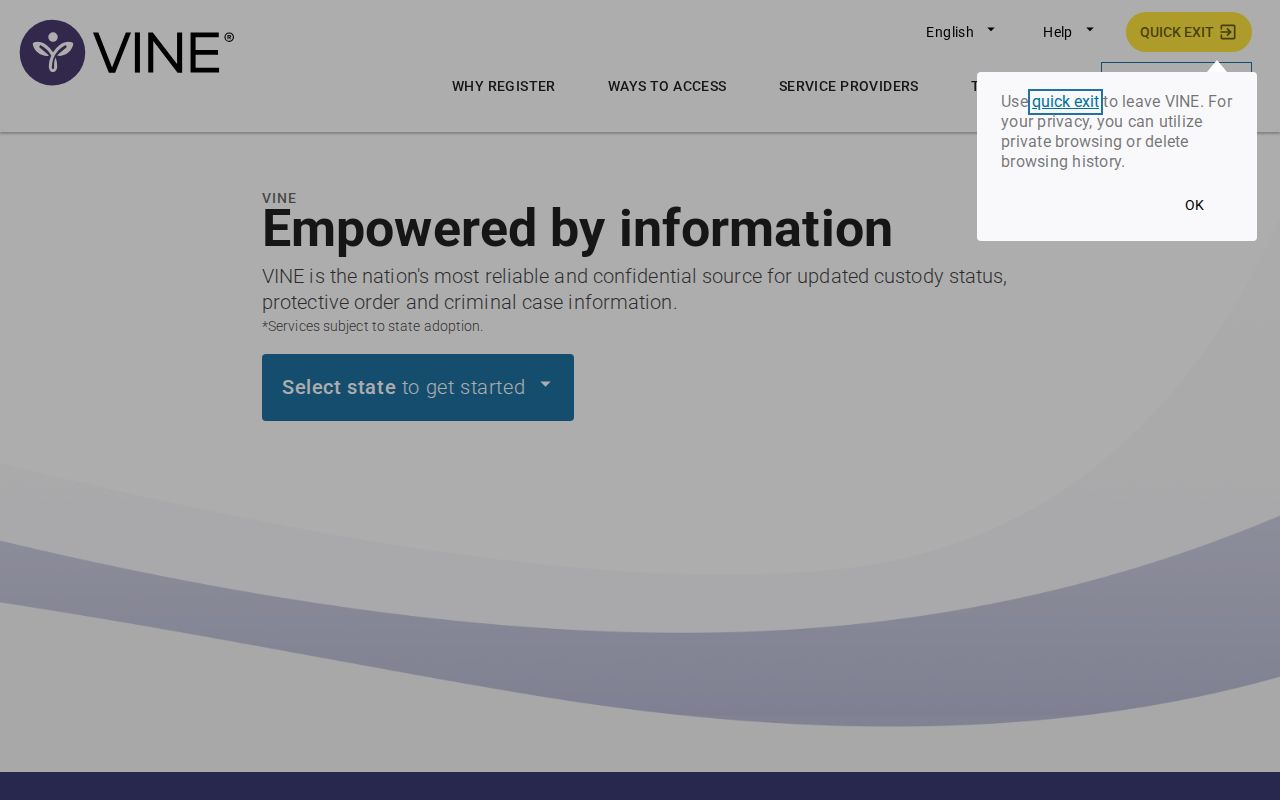
The entry screen is where a state and search terms get chosen. Live availability shows only in the current system.
Custody Fields and Their Meaning
A VINE result can carry several custody details. Missouri's legacy guide explains each field. Because agency feeds and screens change, treat that guide as background rather than a promise for any Christian County search.
| Possible result field | Meaning and caution |
|---|---|
| Custody status | Whether the source currently reports the person in custody or reflects a status change. Data can lag. |
| Facility or location | The reported place of custody; a transfer can change it. |
| Reporting agency | The agency supplying the record, useful when a name has multiple matches. |
| Offender or record identifier | A disambiguation tool; it may differ from a Christian County booking number or court case number. |
| Status-change reason | May describe release, transfer, escape, death, return to custody, or another event according to the applicable system. |
| Booking photograph | The older guide says one may be available on a subsequent screen. No photo is promised for every result. |
A "not found" result is not the final word. The intake may be too new to post. The person may already be released, or the name may be spelled or formatted differently in the system. Some custody records never feed that search at all.
Register for SMS or Email Alerts
Missouri's alert signup no longer matches the old VINE brochures. Follow the May 2026 rule even if a legacy pamphlet still lists phone or app registration.
- Go to the official MOVANS portal. Local-jail users who registered under the former arrangement should re-register.
- Search for the correct person and custody record. Confirm the county, facility, name, and available identifying information before attaching an alert.
- Select SMS text or email for a local jail or detention-center notification. Do not select phone or rely on the VINELink App for this category; Missouri says those options are no longer available after the transition.
- Enter the requested contact information and complete every confirmation or verification step shown by the current portal. Legacy materials may mention a PIN, but the live MOVANS instructions control the exact present workflow.
- Choose the available custody-change events relevant to the record and save the registration confirmation.
- Keep the sheriff and jail numbers available. An automated message is informational and should be verified when safety, court attendance, transportation, or another time-sensitive matter depends on it.
The current MOVANS registration screen documents the local-jail alert destination.
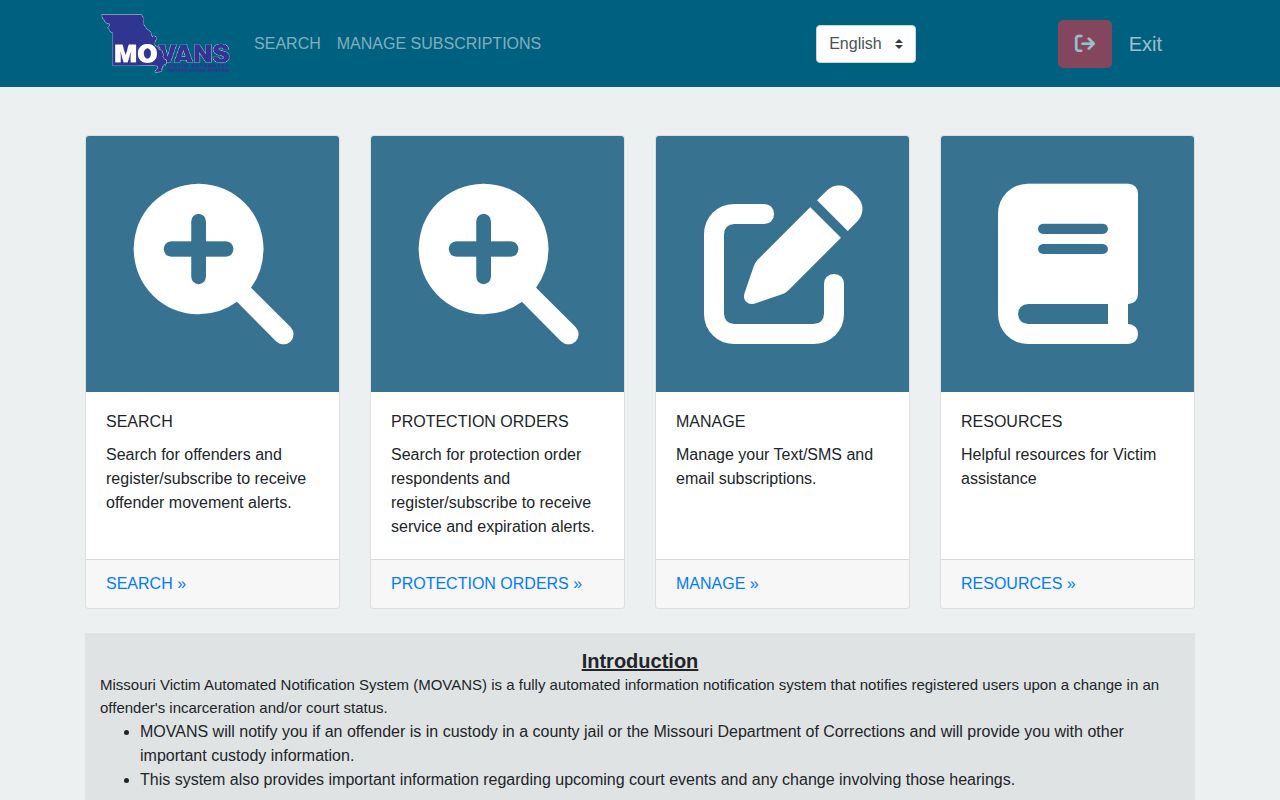
The live portal screen controls current registration choices.
Confirm Alerts With the County Jail
Alert systems only know what agencies send them. That data can lag. A fresh booking, a transfer, or a release may not show right away. Christian County coverage is not promised anywhere official. For a recent county booking, try the Arrests Last 24 Hours view. The jail takes calls at (417) 582-1976, the Sheriff's Office at (417) 582-5330, and the jail sits at 110 W. Elm Street, Suite 70, in Ozark. Someone released may drop off the roster. Ask for the releasable booking record through CCSO Records. Case.net and the 38th Judicial Circuit follow a filed case after that. Alerts never replace official notices from the court itself.
Missouri’s 2026 MOVANS Change
Conflicting instructions have a simple fix. The DPS notice dated May 6, 2026 settles it. Older brochures list a statewide phone line, TTY service, and registration by phone, web, or app. They also promised notices for release, transfer, escape, death, parole hearings, and return to custody. The new rule changes local jail registration only. Re-register through MOVANS and choose SMS or email. DOC and court users already receiving texts or emails keep their setup, and the official notice carries the full date and scope of the policy.
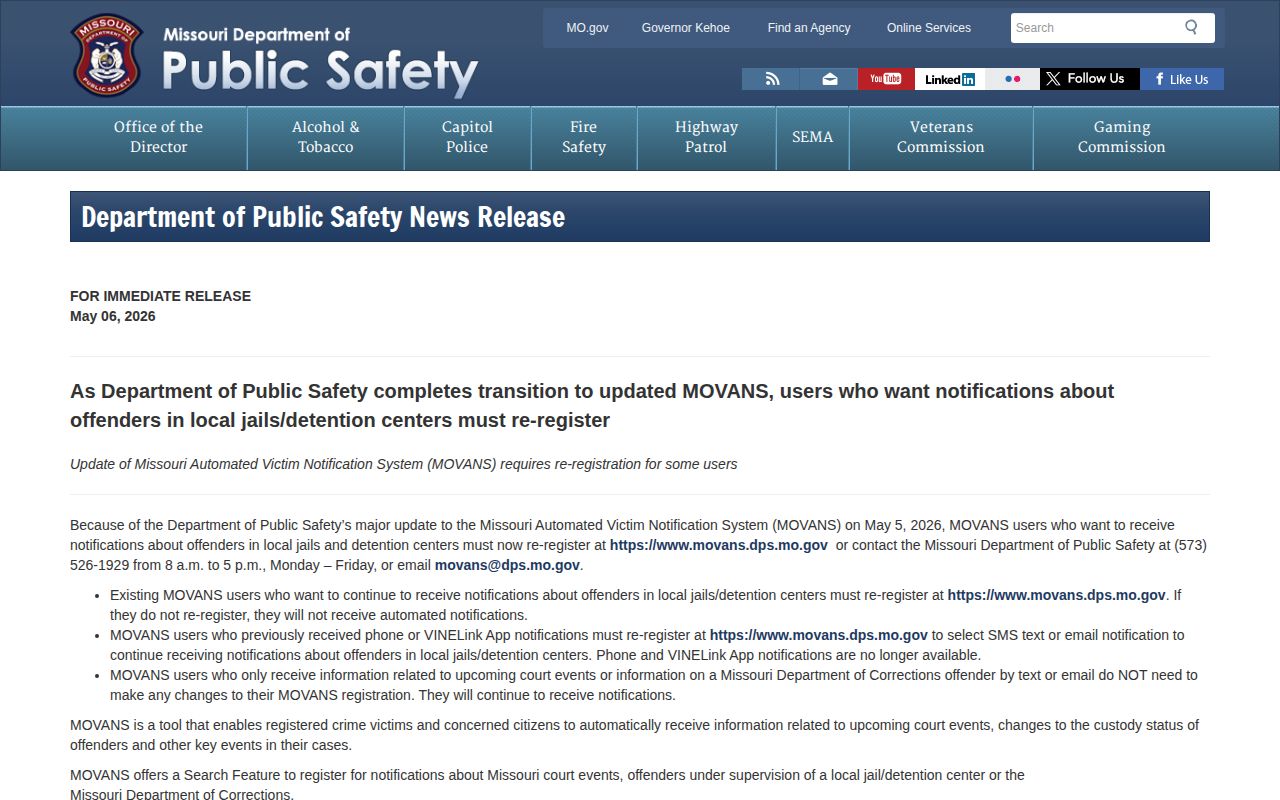
The 2026 date stamp keeps Missouri's current custody rules ahead of outdated phone and app instructions.
Roster, MOVANS, Courts, and DOC
Every channel answers a different question. The Christian County roster shows who sits in county jail custody now, with booking-style fields. MOVANS sends alerts when a qualifying record exists. Case.net tracks filed cases and hearings. The Missouri Department of Corrections search covers state offenders, probation, and parole within its published scope, not a local arrest alone. People move between channels as a case develops. First comes a roster appearance. Then a court case may open, followed by release or transfer. A sentenced state prisoner belongs in MODOC; a federal inmate needs BOP. Keep booking numbers, court case numbers, and state offender IDs separate, because none of them interchange.
Use Custody Notifications Safely
Verify custody through the official facility or the court before you act. If personal safety is at stake, take extra care. Never approach, follow, or confront someone because an automated message reached your phone. For a true emergency, call 911 right away. For anything less urgent, use the agency's verified contact number to confirm the arrest and current booking status. One more caution: keep a registrant's contact details and any sensitive identifiers private rather than posting them where others can see.
Search Public Records
Sponsored Results